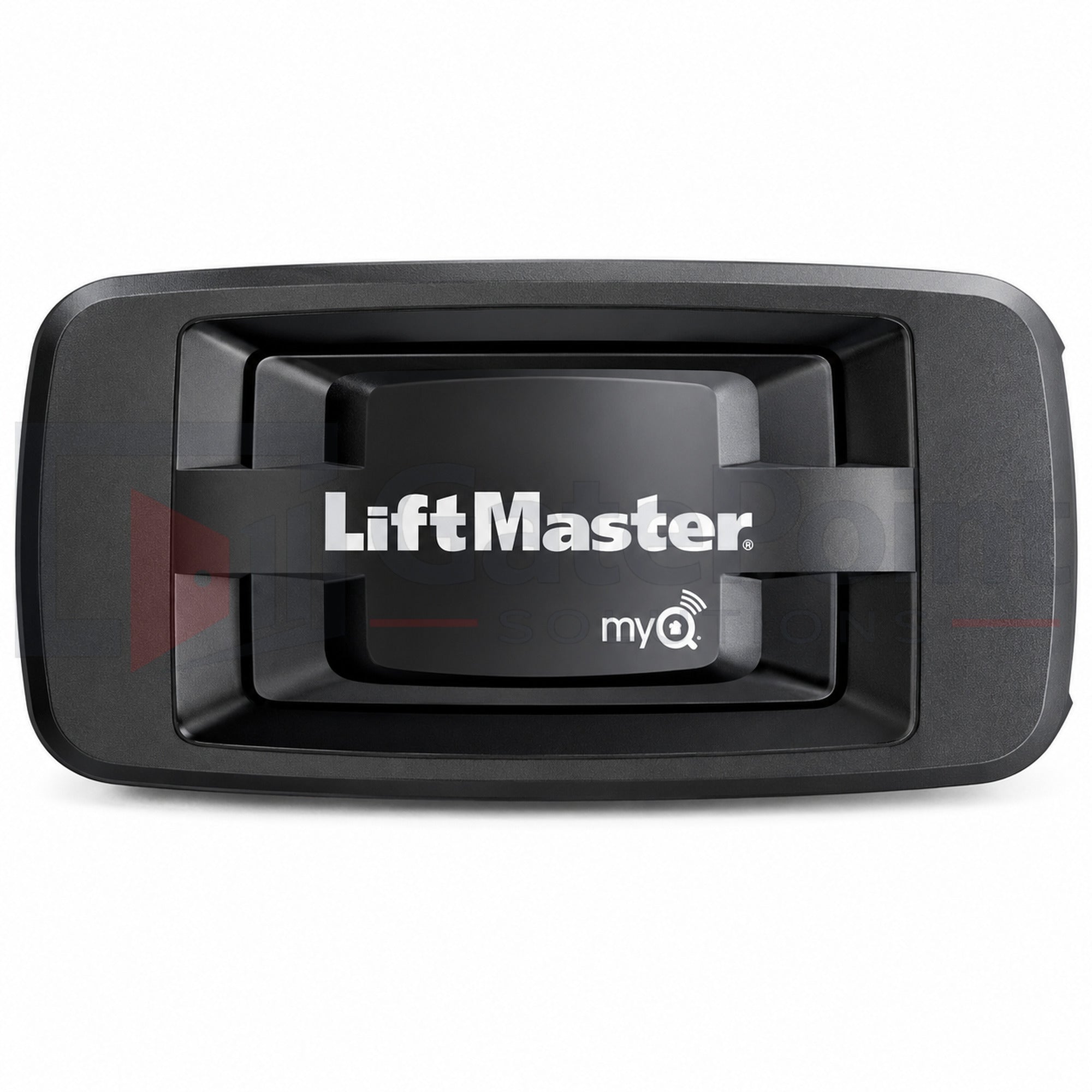
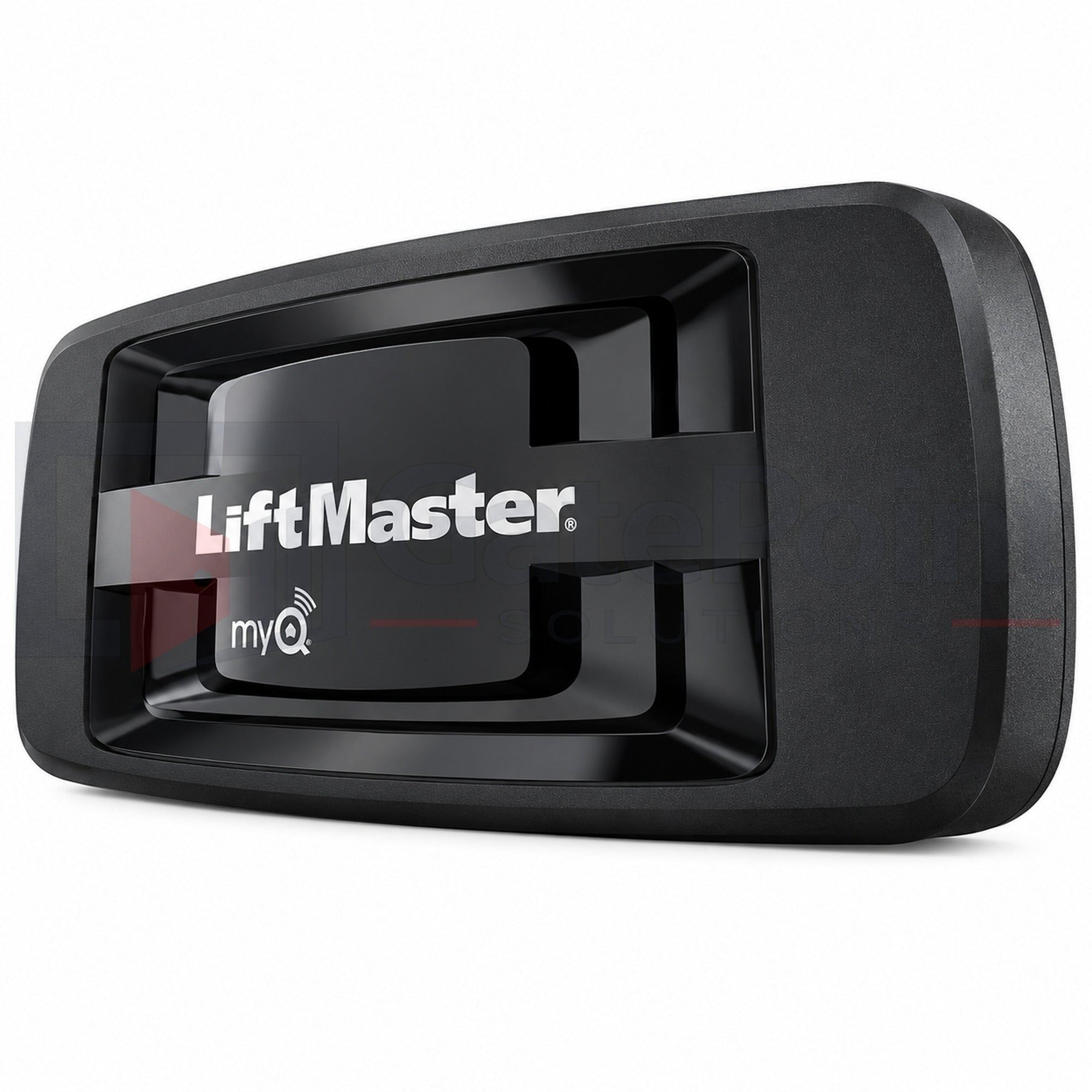
There seems to be a number of now outdated videos to help setting up this device so I thought it worth while to provide more recent information. Even the most recent video I found seems to be slightly different than my experience but it was the most helpful. Having said all that, it is easier than I would have ever expected.
1. You will need to download the My Q app onto your phone and set up an account. (Note: This is not the same as setting up an account with Chamberlin or Liftmaster. (I discovered that the hard way.)
2. Write down the serial number off the back of the unit. You will need that.
3. Plug the cables into the device. (Power and Ethernet cable) This device will live by your router and is hardwired to it. The videos I found said the blue power light will illuminate. On mine, it flashed for a moment when I applied power and then remains out. The green light will start blinking and go solid in a very short amount of time, at least in my case. It is now ready.
3. When you begin the setup in the app, you will find "Smart Garage Hub" in the devices. Do Not pick Garage Door. Once you select smart garage hub you will see pictures of the various types. Pick the one that looks like the 828LM and follow the prompts to enter the serial number you wrote down previously. When you get to the prompt, hit "allow for home data". Other settings can be adjusted later if you want. I left them at whatever the default was. (During setup, I did rename mine garage door.)
4. When it is time for pairing, you will go out to the garage and either press the YELLOW pairing button on the ceiling opener, or if your wired wall button has a learn button under the smoke cover you can press that twice instead of climbing a ladder to get to the learn (yellow) button on the motor. Be prepared for this in advance so you know what you will need to do.
When I did mine, I began with the door open. Once I got the message that the pairing was complete, I could see in the app the door was open. It didn't work immediately so I closed the door with the button and after that it worked as expected. Maybe I just didn't wait long enough or it didn't like the door being open to begin with, but after that it has worked flawlessly. When you send a close command through the app, there is a delay. the light blinks the door beeps to alert anyone that it is about to close. This is a safety feature and not a flaw. It would allow time for someone to get out of the way of the door.
Also, from what I understand, you can control multiple doors, (or gates), with the one internet gateway as well as installing this app in multiple phones, such as your spouse. So, you could have three doors and control them all with one gateway. They MUST have a yellow learn button on the ceiling motor and say My Q with no other verbage with the My Q lettering on the side of the ceiling motor. Any time the door is open or closed, even when it is not through the app, you can be notified of its status unless you disable that notification. Anyplace your phone has an internet connection, you can control the operation of the door. (You're at the grocery store and don't remember if you closed the door. You can check the app and close it if you forgot, or open it for someone if needed.)